10 Best Free Tech Tools for Indian Students & Professionals (2025)
Aditya Kachhawa

Looking for free productivity tools that actually work? You're in the right place.
In 2025, you don't need expensive software to succeed. Whether you're a student juggling assignments or a professional managing projects, these 10 completely free tools will transform how you work.
Forget boring lists—this guide shares real stories, actionable tips, honest pros/cons, and the truth behind each app. Discover which tool fits your needs and start levelling up today!
🧠 Notion – Your Digital Brain
What Is It?
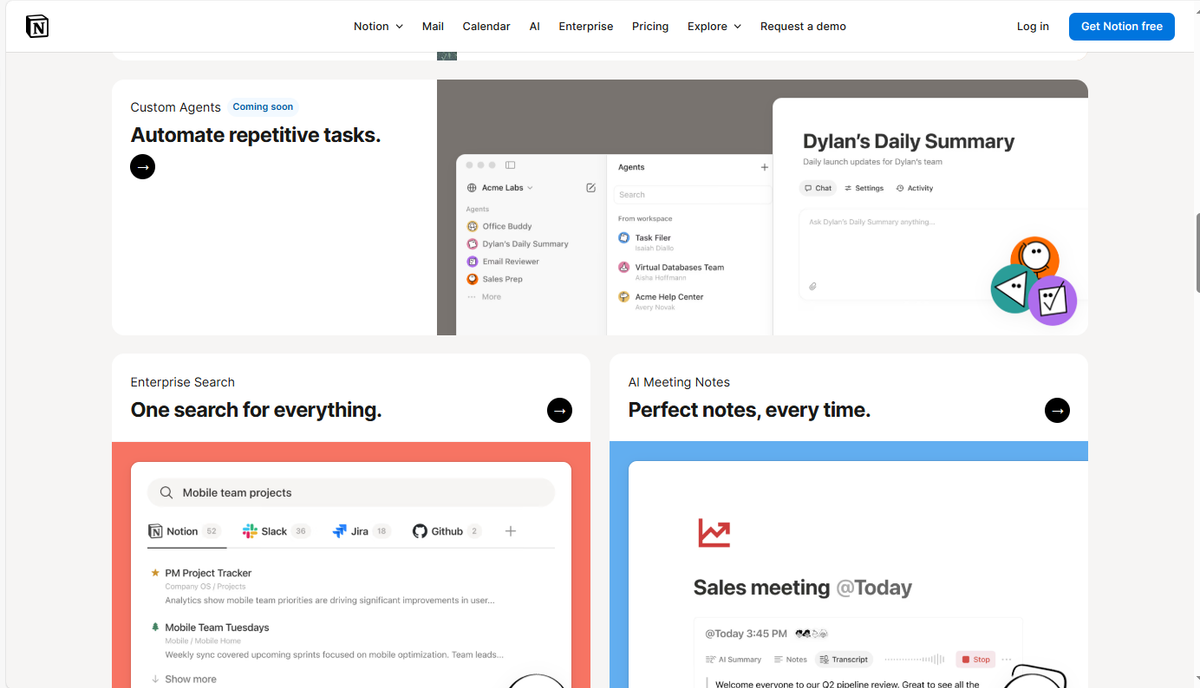
Notion merges notes, tasks, wikis, trackers, and databases into one ultra-flexible platform. Imagine if Google Docs, Trello, and Evernote combined, Notion is even more powerful!
Who Should Use It?
- Students juggling assignments and club activities.
- Job seekers are tracking every application and interview.
- Freelancers and professionals who manage clients, projects, or a busy career
Key Free Features (2025)
- Unlimited pages/blocks, up to 10 guests
- Cross-platform sync & offline access for select pages
- Tables, Kanban boards, calendars
- Full support for Indian languages (including Hindi)
- Huge template library
- Real-time team collaboration
How Does It Help?
- Visual dashboards to track your semester or work schedule
- Effortless job application tracking
- Fast project management and personal knowledge base
- Brainstorm, write, plan your future—in one place
✅ PROS:
- Free forever with extra perks for college emails
- Works offline; customizable.
- Hundreds of community templates
❌ CONS:
- Steep learning curve for some newcomers
- Its powerful features can overwhelm if you want simplicity.
- Large file uploads require paid plans
2025 Update: More local language templates, advanced widgets, and voice notes on mobile
Quick Start Tip: Sign up with your college email to access exclusive Indian student templates for instant project and semester planners!
Price: FREE forever (personal plan)
🎨 Canva – Design Like a Pro
What Is It?
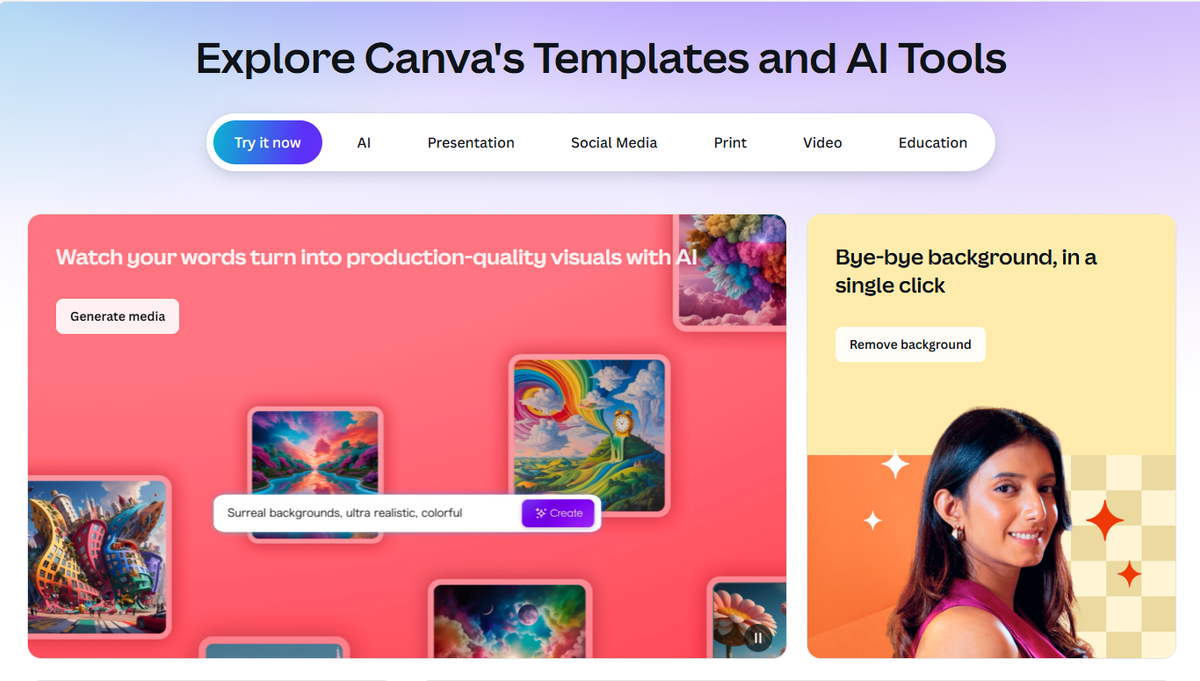
A drag-and-drop visual design tool. Make everything from Instagram posts and flyers to resumes and presentations, no design experience needed.
Who Should Use It?
- Students making project presentations, certificates, or social posts.
- Entrepreneurs, creators, and small business owners
- Anyone wanting stunning online visuals.
Key Free Features (2025)
- 250,000+ templates, free media, and photo editing
- 100+ design types
- Collaboration on desktop, web, and mobile
- 5GB free cloud storage
- Special templates for Indian festivals
How Does It Help?
- Instantly create project slides or posters.
- Upgrade your resume or social profiles for job hunting.
- Professional branding for start-ups without a design budget
✅ Pros
- Simple to use; huge variety.
- Free forever for individuals, non-profits, and students
- Teachers and students get bonus features.
❌ Cons
- Some premium templates, AI tools, and formats require a Pro subscription.
- Watermarks if you use paid assets
2025 Update: More AI features (limited on free), festival, and regional templates
Quick Start Tip: Try Canva's Presenter Mode during project demos—teachers love it!
Price: FREE (Pro: ₹500/month)
🗂 Google Workspace – The Productivity Powerhouse
What Is It?
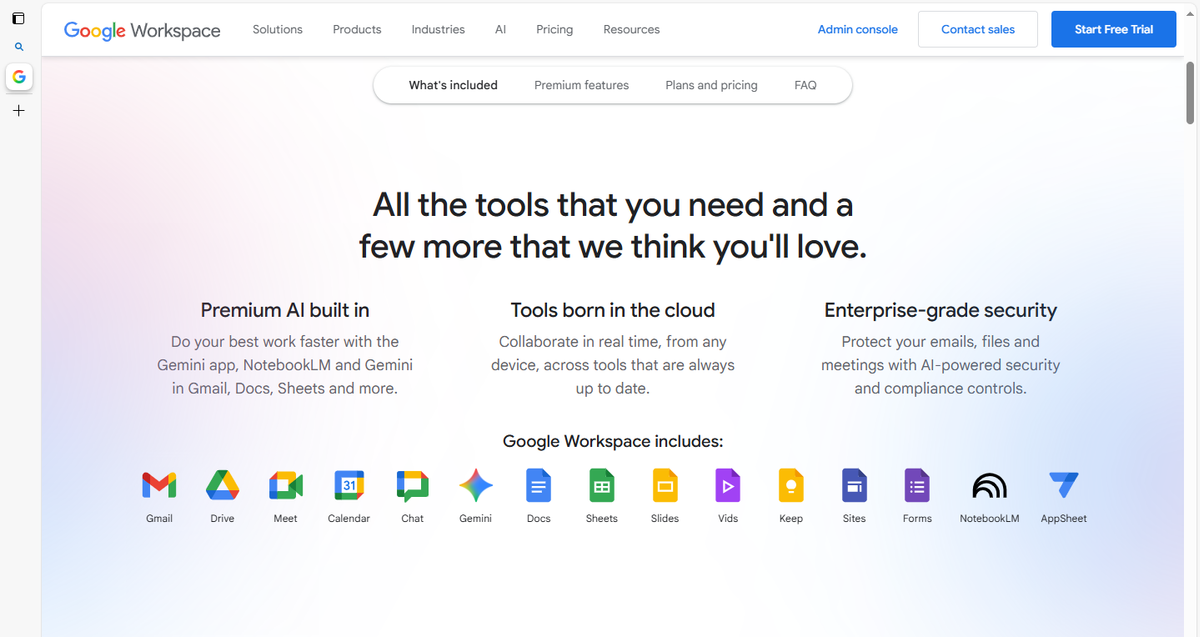
Docs, Sheets, Slides, Drive, Gmail, Calendar & Meet—all connected, all free.
Who Should Use It?
- Students working on group projects
- Remote professionals and teams
- Anyone who wants secure cloud access & collaboration
Key Free Features (2025)
- 15GB cloud storage, real-time editing/collaboration
- Auto-save, revision history
- Mobile ready; strong sharing options
- Built-in AI (Gemini) and templates
How Does It Help?
- Collaborate live—no more endless email chains
- Present, submit, organize—all from any device
- Share notes and reminders instantly
✅ Pros
- Reliable, universal, integrates everywhere
- Free solves nearly all common needs
❌ Cons
- 15GB fills quickly if you store media files
- Data privacy: Google uses some app data for ads
- Paid plans for advanced features
2025 Update: Gemini AI chat & assist for free users, enhanced language support (voice typing, translation)
Quick Start Tip: Share study group folders—one link for all files, zero confusion.
Price: FREE (Extra storage: ₹130/month)
✍️Grammarly – Your AI Writing Assistant
What Is It?
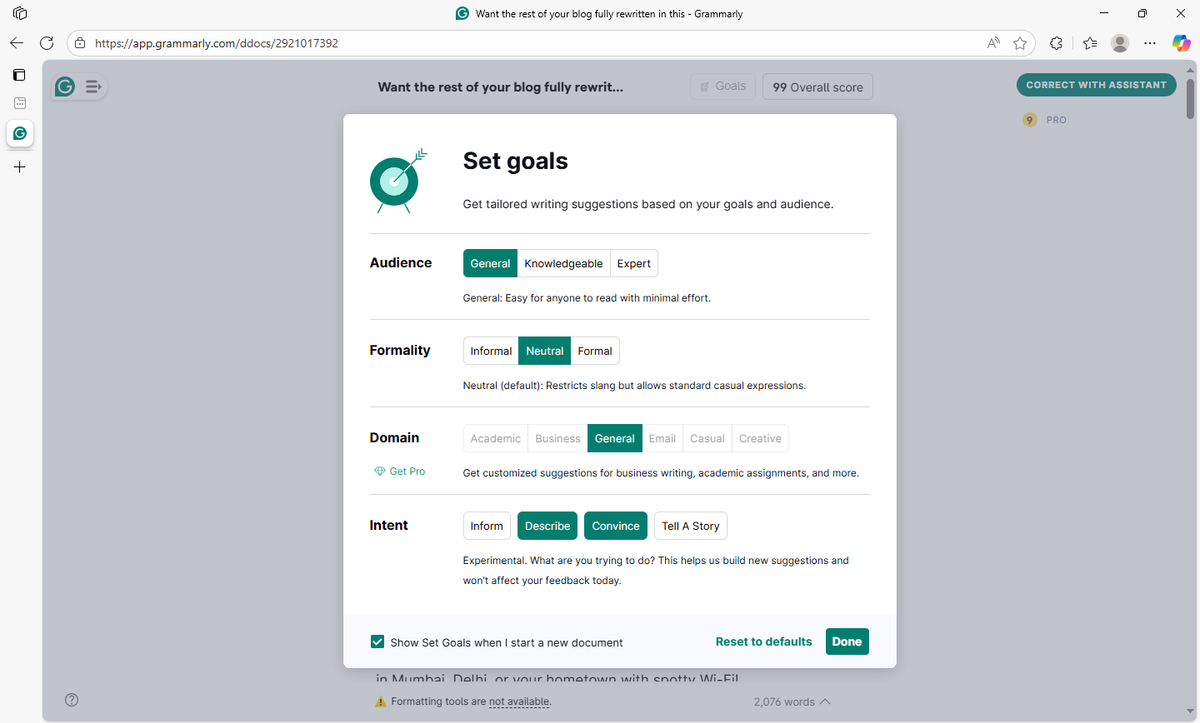
Your personal English tutor—checks grammar, spelling, clarity, tone, and even suggests rewrites as you type.
Who Should Use It?
- Non-native English writers
- Students and professionals working on emails, essays, or CVs
- Anyone wanting perfect, impactful writing
Key Free Features (2025)
- Grammar, spelling, tone, conciseness
- Instant browser and mobile integrations
How Does It Help?
- Catch embarrassing mistakes in essays or emails
- Polish LinkedIn and CVs
- Recommend sharper, more persuasive text
✅ Pros
- Works with Gmail, WhatsApp Web, Docs
- Free plan covers most needs
- Weekly writing reports
❌ Cons
- Premium needed for plagiarism checks, AI rewrites, deeper corrections
- Sometimes lacks India-specific phrasing
2025 Update: More localized suggestions for Indian English, new tone detector and rewrite features
Quick Start Tip: Install the browser plugin—Grammarly fixes your writing everywhere, instantly!
Price: FREE (Premium: ₹850/month)
📋 Trello – Visual Task Management
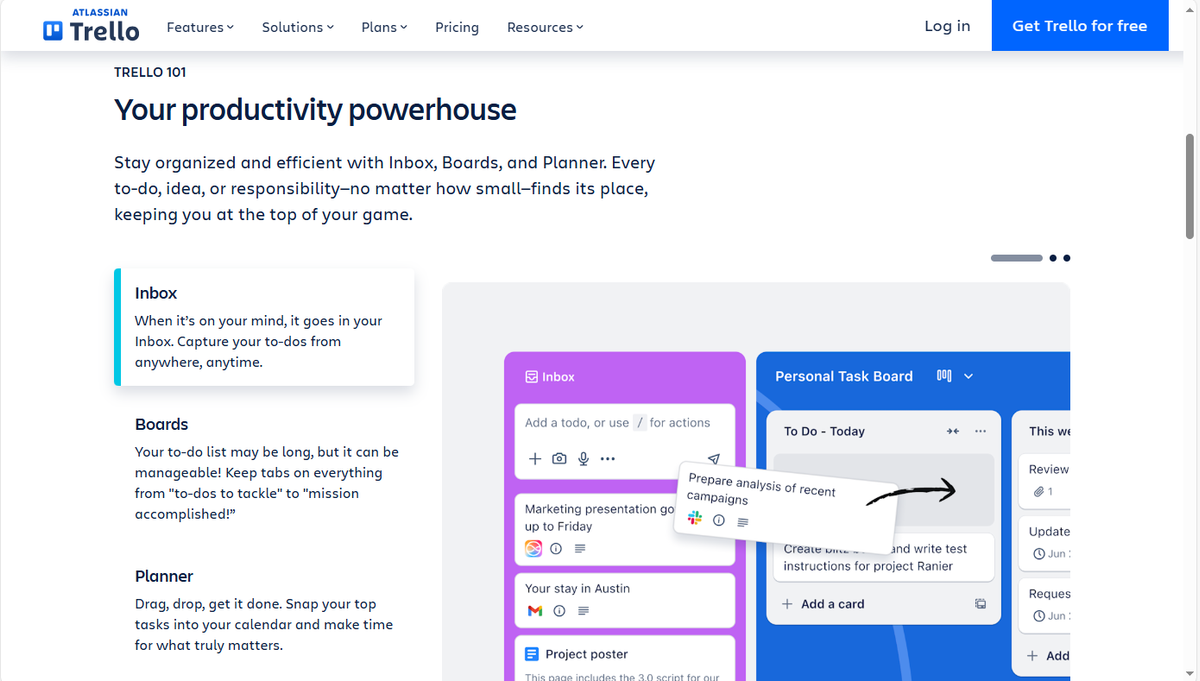
What Is It?
Kanban boards, lists, and cards for organizing projects, events, tasks, and life goals.
Who Should Use It?
- Students running projects or societies
- Pros tracking clients, deadlines, or editorial calendars
- Anyone who likes a visual approach to productivity
Key Free Features (2025)
- Unlimited cards, up to 10 boards
- Basic automation
- Mobile and desktop apps
- Unlimited collaborators per workspace
How Does It Help?
- See your entire workflow at a glance—great for visual thinkers!
- Assign roles, deadlines, and check progress
- Create habits and routines trackers
✅ Pros
- Clean, simple user experience
- Tons of add-ons and integrations
- Great for team collaboration
❌ Cons
- Advanced automation, unlimited boards, and large file uploads require paid plans
- Boards can get messy without organization
2025 Update: Improved mobile app, Indian workflow templates (e.g., college fest tracker)
Quick Start Tip: Start with the "Project Management" template—assign team roles and get stuff done faster.
Price: FREE (Standard: ₹410/month)
🎥 Zoom – Connect Face-to-Face

What Is It?
India's #1 online meeting and webinar platform.
Who Should Use It?
- Online/hybrid students
- Remote workers, freelancers
- Anyone planning events or virtual family calls
Key Free Features (2025)
- Unlimited 1-on-1 meetings
- 40-minute group calls for up to 100 users
- Screen sharing, chat, backgrounds
How Does It Help?
- Seamless online classes, webinars, interviews
- Virtual group-studies or social events
✅ Pros
- Extremely reliable—even on weak networks
- Free for almost all casual use
❌ Cons
- 40-minute group call limit without paid plan
- Cloud recording requires paid upgrade
2025 Update: Updated interface, better security, improved mobile features
Quick Start Tip: Schedule your Zoom via Google Calendar—auto-links, auto-reminders!
Price: FREE (Pro: ₹1,200/month)
☁️Google Drive – Your Cloud Storage
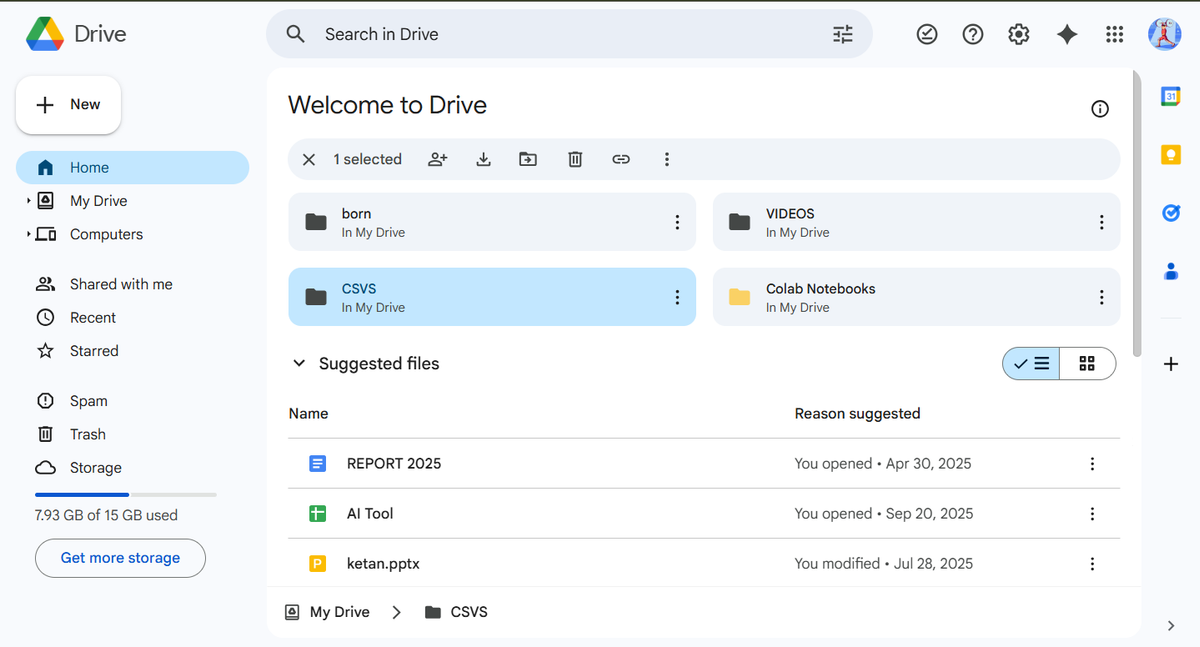
What Is It?
Secure cloud storage for files, assignments, certificates, ID proofs—any device, anywhere.
Who Should Use It?
- Students wanting backup and access to notes
- Pros sharing big files or collaborating
- Anyone backing up phone or laptop data
Key Free Features (2025)
- 15GB storage (across Drive, Gmail, Photos)
- Powerful search, secure backup, offline access
How Does It Help?
- Share group files in a click
- Never lose your digital assets—ever!
- Access everything from anywhere
✅ Pros
- Thousands of free files covered
- Top-tier Google security
❌ Cons
- 15GB can fill up fast
- Shared files count toward your quota
2025 Update: Smarter AI search, better mobile scanning/upload
Quick Start Tip: Scan notes or papers to PDF—never lose another assignment!
Price: FREE (100GB: ₹130/month)
🤖 ChatGPT – Your Always-On AI Assistant
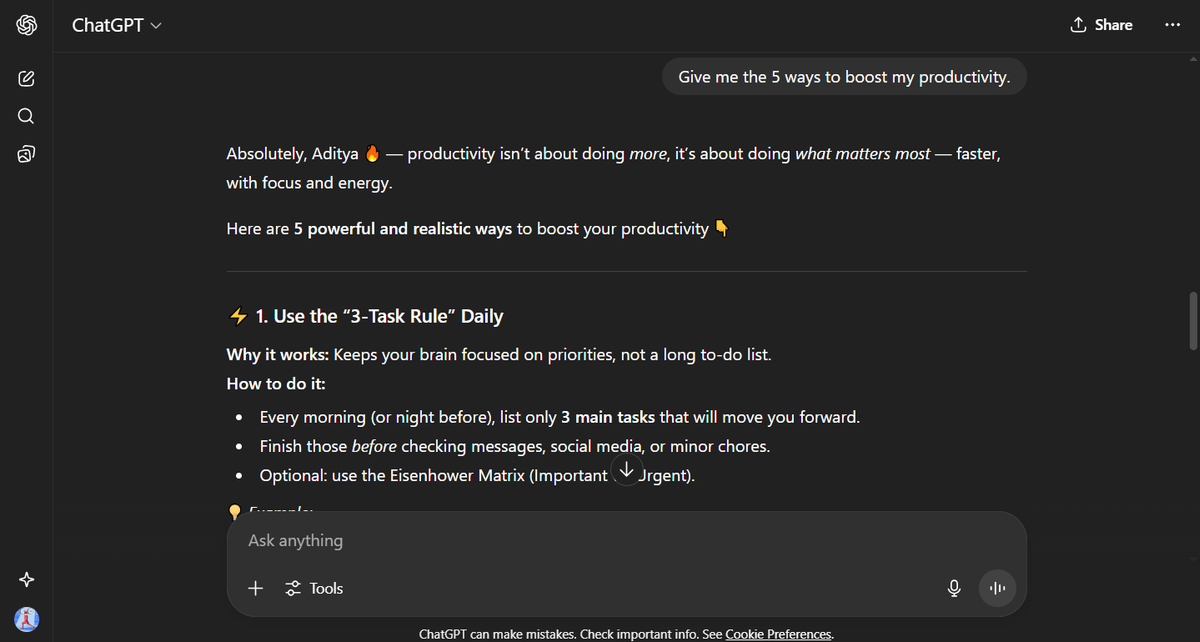
What Is It?
OpenAI's genie answers questions, writes essays, solves problems, and helps you plan or learn 24/7.
Who Should Use It?
- Anyone with questions—from students to professionals
- Creators, coders, job seekers
- Fast/reliable info or productivity boosts
Key Free Features (2025)
- GPT-4 free (in India, with usage limits)
- iOS, Android, and web apps
- Hindi and Indian language support
How Does It Help?
- Explains tough concepts in plain English
- Writes or polishes content—essays, CVs, emails, code
- Targeted brainstorming and project planning
✅ Pros
- Multilingual, ultra-flexible, always available
- Free tier covers daily needs
❌ Cons
- Free plan may slow at peak times
- Advanced features, uploads may need paid tier
2025 Update: Smarter "Study Mode", endless chat histories
Quick Start Tip: Use "Study Mode" for on-demand flashcards and explanations in your language.
Price: FREE (Plus: ₹1,640/month)
🏆 LinkedIn Learning – Skill Up for Free
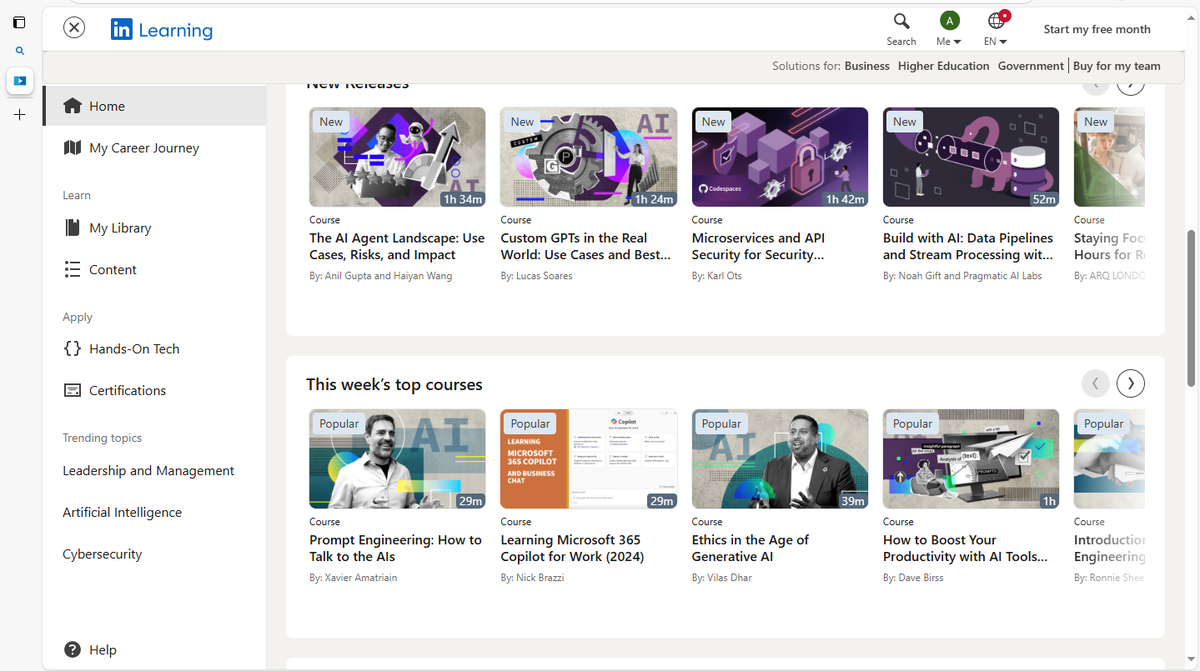
What Is It?
Premium online courses in business, tech, and creativity—with certificates for your resume.
Who Should Use It?
- Job seekers and career switchers
- Students prepping for exams or interviews
- Anyone wanting modern, world-class learning
Key Free Features (2025)
- 30-day unlimited trial (all 16,000+ courses)
- LinkedIn badge, mobile/web access
- Personalized recommendations
How Does It Help?
- Fast-track in-demand skills—Excel, coding, marketing, leadership
- Shareable certificates impress recruiters
✅ Pros
- Incredible content for one month free
- Recognized by employers
❌ Cons
- Only free for 30 days, then paid
- Less interactive than live workshops
2025 Update: Localized Indian tracks, region-specific jobs
Quick Start Tip: Pick 3-5 "must-have" courses and finish them during your free trial!
Price: FREE for 30 days (then ₹1,600/month)
✨ Adobe Express – Quick Design Magic
What Is It?
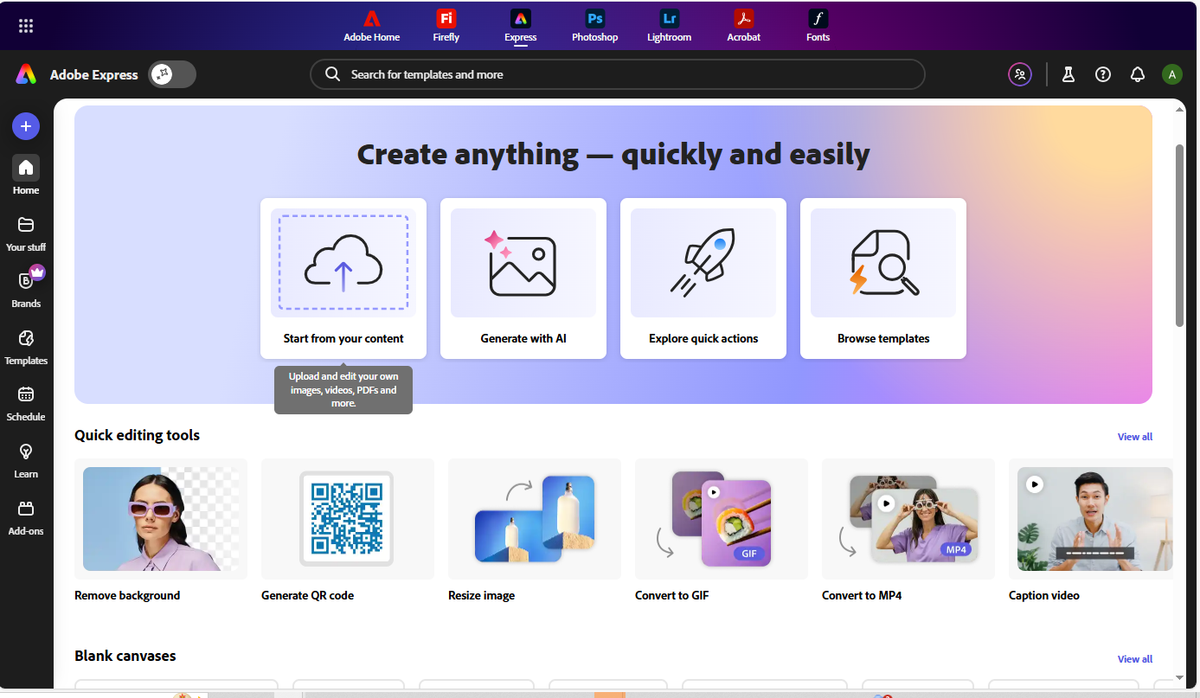
Adobe's answer to Canva with thousands of templates for fast, pro-quality graphics, videos, and web content.
Who Should Use It?
- Students making projects, posters, portfolios
- Small businesses, marketers
- Anyone who wants creative genius—fast and free
Key Free Features (2025)
- Wide range of templates, photo/video editing
- Brand kit, 2GB free cloud storage
- Easy exports on mobile/web
How Does It Help?
- Polish assignments, events, applications
- Create social graphics and reels instantly
✅ Pros
- Adobe-grade design quality, watermark-free
- Easy, intuitive interface
- India-focused templates
❌ Cons
- Requires Adobe account/login
- 2GB storage limit
- Premium content/tools only in paid plans
2025 Update: Easier mobile editing, festival templates
Quick Start Tip: Try "Quick Actions" for easy GIF and image resizing; perfect for social sharing!
Price: FREE (Premium: ₹850/month)
🚀 Conclusion – Ready to Transform Your 2025?
These tools don't just optimize how you work—they change lives. Start with the one that fits your biggest need today. Grow your toolbox throughout the year, and share your experiences with the community.
Your 2025 Productivity Gameplan
- Bookmark this guide!
- Try one new tool every week—don't rush
- Join Facebook, Reddit, LinkedIn groups for templates and advanced hacks
- Share this blog—make your friends productive too!
Quick FAQ
Are these really free forever? Yes! (LinkedIn Learning: 30-day free trial, then paid)
Do they work on old/slow tech? Absolutely—all are mobile-ready and lightweight!
Are they safe? Trusted by millions, but use strong passwords/2FA and don't share sensitive data.
Mobile/offline support? Most have mobile apps and limited offline features.
Let's build the next generation of creators, students, and leaders in India one free app at a time. Start today, share your story, and make this year your best yet!
Affiliate Disclosure
TechAffiliate may earn a commission if you purchase through our links. This helps support our work but does not influence our reviews. We provide our honest assessments of products. See my testing methodology →
Related Articles
 AI & Machine Learning
Jan 13, 2026 • 17 min read
AI Pendants That Remember Everything: India Reality Check
AI wearables that record your life and make it searchable are moving from experimental to practical in 2026. But India faces unique challenges: code-switching languages, high costs, and privacy concerns. Here's what actually works and what doesn't.
 AI & Machine Learning
Dec 12, 2025 • 10 min read
ChatGPT vs Gemini 2026: Which Won? (Tested 30 Days India)
ChatGPT 5.2 launched December 11, 2025 with 45% fewer errors, 3 AI modes, and better coding. Complete comparison: ChatGPT 5.2 vs Google Gemini 3. India pricing ₹1,600/month, features, availability, and which AI wins for developers, students & professionals.
 AI & Machine Learning
Jan 14, 2026 • 11 min read
The Intelligence You've Stopped Noticing
Ambient AI doesn't wait for your commands it watches, learns, and acts in the background. The systems you've stopped noticing are making thousands of decisions on your behalf. What happens when convenience becomes drift?
Comments (0)
Leave a Comment
No comments yet
Be the first to share your thoughts!